



Instagram has become one of the most influential platforms for entertainment and creativity. Every day, users scroll through Reels, tutorials, edits, and short storytelling videos that are worth saving. Unfortunately, Instagram does not provide a native feature to save videos directly to your device.
This guide shows how to Download Video Instagram content safely in HD. Whether you want offline access, inspiration for creative projects, or personal archives, these step-by-step methods are easy to follow for beginners.

Why Do People Download Instagram Videos?
Before jumping into the methods, it helps to understand why downloading Instagram videos has become so common.
Offline Viewing Anytime
Not every situation comes with stable internet access. Saving videos locally allows you to watch content during travel, commuting, or low‑signal moments without buffering interruptions.
Build a Personal Content Library
Many users curate collections of motivational clips, tutorials, edits, or funny moments. Download instagram videos make organization easier outside the Instagram app.
Creative and Learning Purposes
Content creators often analyze editing styles, storytelling pacing, or visual trends. Having videos offline helps creators study techniques frame by frame.
Archiving Valuable Content
Sometimes posts get deleted or accounts disappear. Downloading important videos ensures sentimental or educational content stays accessible.
Methods to Download Instagram Videos
There are several practical ways to download Instagram videos depending on your device, technical comfort, and the quality you want. Here’s a step-by-step guide for each method.
Method 1: Screen Recording on Your Phone
Screen recording is the simplest way to save a video without extra apps.
On iPhone:
- Open Control Center by swiping down from the top-right corner.
- Tap the Screen Recording icon to start.
- Open Instagram and play the video in full screen.
- Once the video ends, stop the recording by tapping the red status bar or Control Center icon.
- The recorded video is saved automatically in your Photos app.
On Android:
- Swipe down to access Quick Settings.
- Tap the Screen Recorder icon.
- Open Instagram and play the video.
- Stop the recording when the video finishes.
- The video is saved in your Gallery.
Pro Tip: Turn on Do Not Disturb to prevent pop-up notifications from appearing in your recording.
Screen recording is convenient for quick saves, but the quality may depend on your device resolution and playback settings.
Method 2: Using Online Instagram Video Downloaders
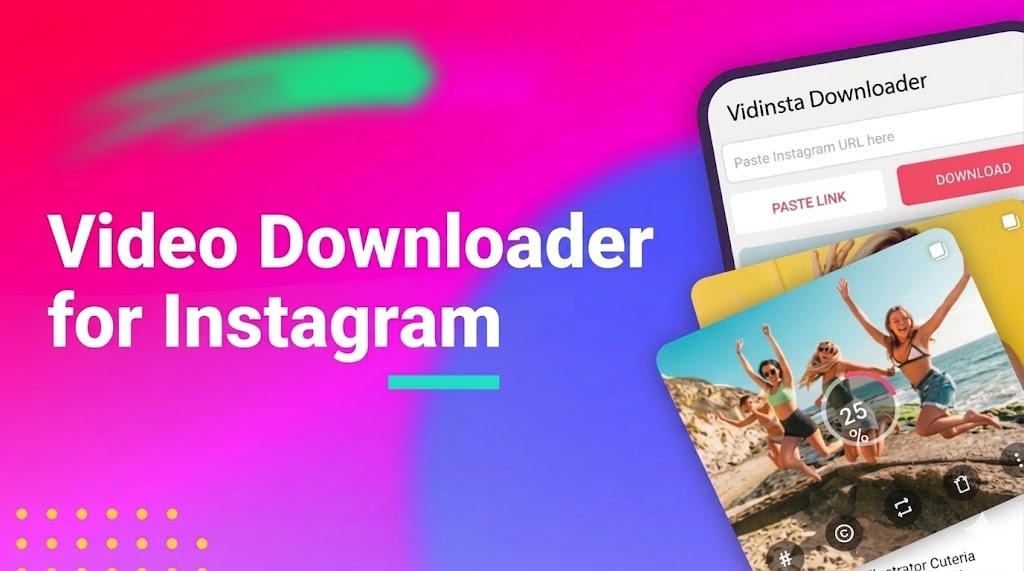
Online downloaders offer higher quality and faster results without installing apps.
Steps:
- Open Instagram and find the video you want to save.
- Tap the three-dot menu and select Copy Link.
- Open a trusted downloader like VidInsta in your browser.
- Paste the copied link into the input field.
- Select HD or your preferred quality if the option is available.
- Click Download. The video will save directly to your device.
This method is ideal for users who regularly save Reels or educational content. It works on both mobile and desktop, and the downloaded video maintains higher clarity compared to screen recording.
Method 3: Extracting Videos from Page Source on Desktop
For advanced users, you can directly access the original video file through the webpage source code.
Steps:
- Open Instagram in a desktop browser and navigate to the video post.
- Right-click the page and select View Page Source (Ctrl+U on Windows / Command+Option+U on Mac).
- Use Ctrl+F (Windows) or Command+F (Mac) to search for og:video.
- Copy the URL of the video found in the code.
- Paste the URL into a new browser tab and press Enter.
- Right-click the video and choose Save Video As to download it.
This method gives direct access to the original file and ensures full HD quality. It is recommended only for users familiar with browser tools and code navigation.
Tips to Maintain HD Quality
- Ensure the video is fully loaded before starting.
- Prefer original posts over reposted versions to avoid compression loss.
- Use a stable internet connection to prevent incomplete downloads.
- If recording, use full screen and silence notifications.
Following these practices ensures the downloaded video remains clear and smooth for viewing or editing.
Responsible Use of Downloaded Content
When using downloaded Instagram videos, it’s important to act responsibly to respect creators and stay within legal boundaries:
- Personal Use Only – Keep videos for offline viewing, reference, or creative study, not for redistribution.
- Give Credit to Creators – If sharing clips publicly, always mention the original creator to respect intellectual property.
- Avoid Commercial Exploitation – Don’t use downloaded videos for monetized projects without explicit permission.
- Stay Within Platform Guidelines – Follow Instagram’s terms of service to prevent account issues or takedowns.
- Check Copyright Status – Verify if videos are protected by copyright before using them in any project.
The Growing Need for Offline Content
Short-form videos are more popular than ever, and offline access lets users watch Reels anytime without internet. This is useful during travel, commuting, or in low-signal areas.
Saving videos locally also supports learning and creativity. Users can study editing techniques, collect clips for inspiration, or remix content safely until Instagram adds official download features.
Conclusion
Saving Instagram videos in HD is easier than most people think. Screen recording provides a quick solution, online downloaders give higher quality and convenience, and page source extraction offers a direct method for advanced users.
By following these step-by-step methods, you can confidently Download Instagram Videos content, maintain clarity, and enjoy offline access anytime. With proper usage and attention to quality, your favorite videos become a lasting resource for entertainment, learning, or creative inspiration.
